
To properly landscape a property, you'll need a design. The easiest way to create one is with a dedicated app. We'll cover the most popular solutions, suitable for both homeowners and professionals.
3D Landscape Design
OS: Windows
Russian language: There is
Price: from 990 ₽
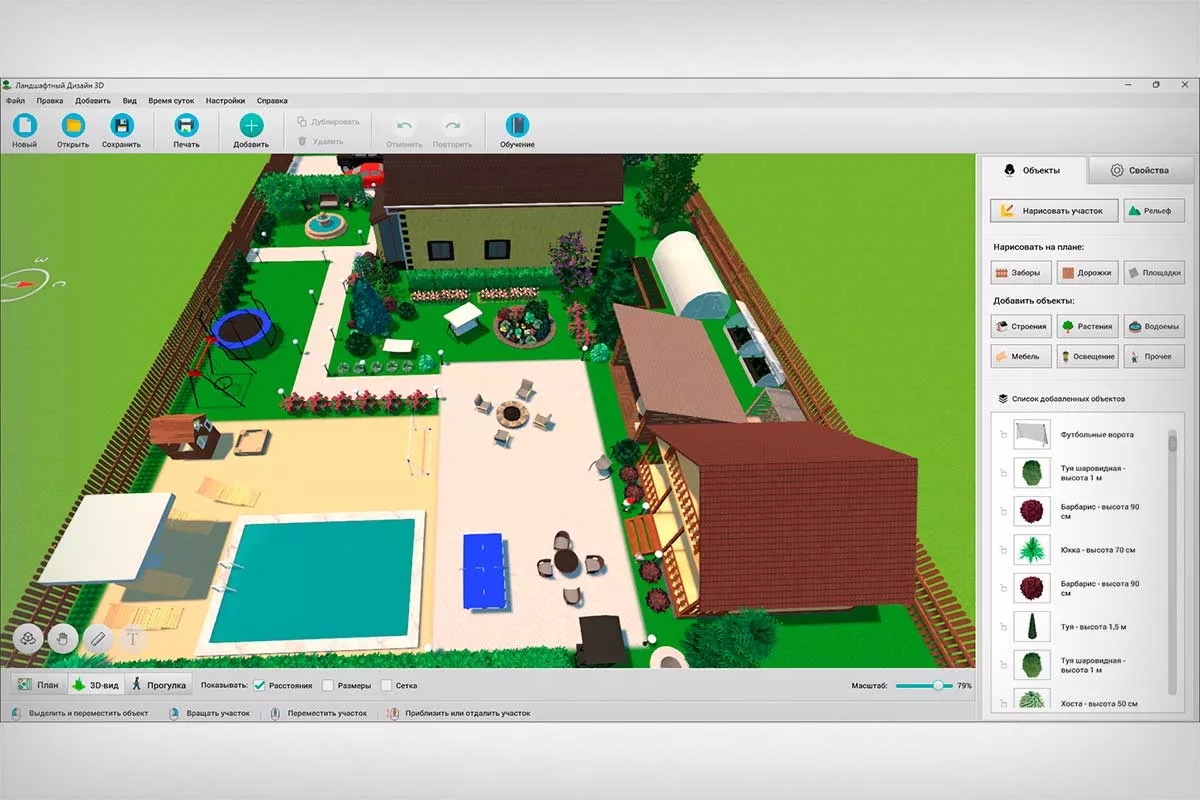
This Russian-language landscape design program offers a free trial version available for download from the official website. It has two operating modes: 2D drawing and 3D scene. You can move objects in either mode. No 3D modeling skills required. Everything you need is already in the editor's gallery. Simply launch Landscape Design 3D, set up the site boundaries, and then simply drag and drop buildings, fences, ponds, flower beds, lighting, and more onto the property.
Realtime Landscaping
OS: Windows
Russian language: No
Price: from $149
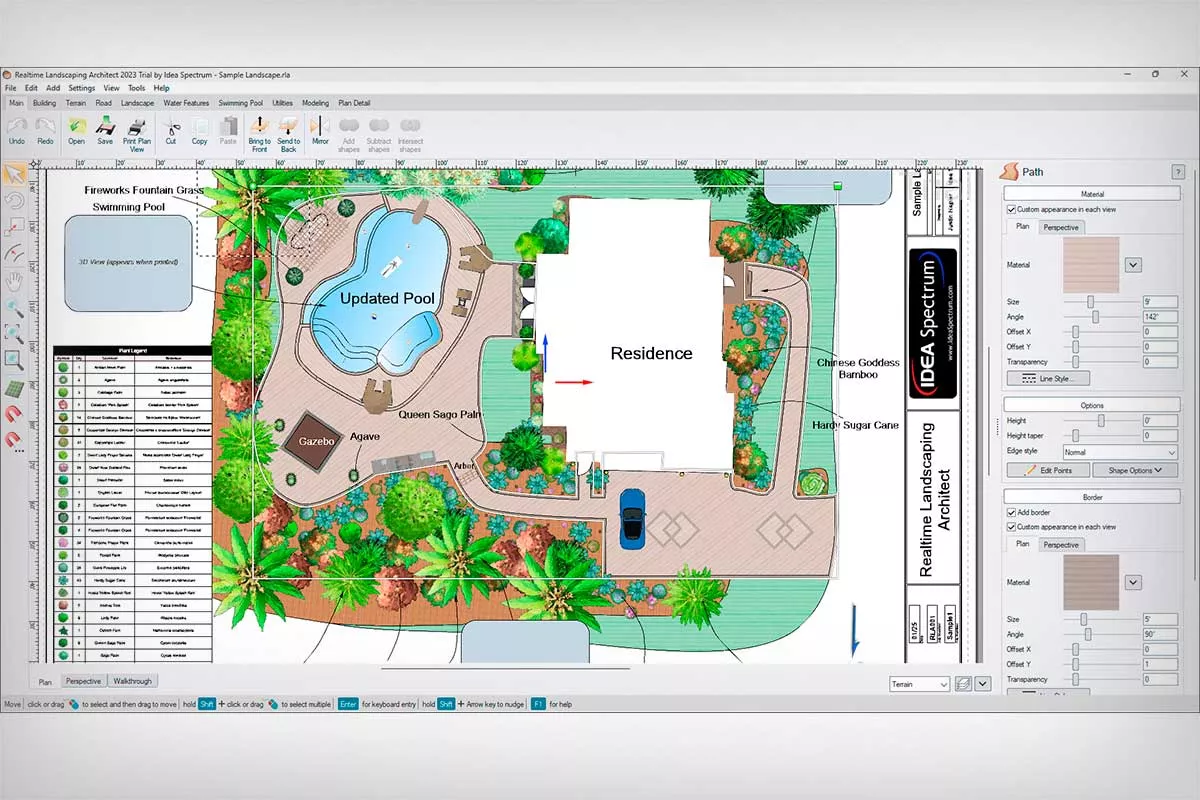
The program is suitable for creating large-scale projects. The maximum land area is limited to 200 acres (almost 81 hectares). This is sufficient for preparing a park plan. Objects—vegetation, garden furniture, lighting, and so on—are added from the gallery or generated using specialized constructors. For example, stairs can be created this way.
Garden Planner 3
OS: Windows, macOS
Russian language: Yes
Price: $47.99
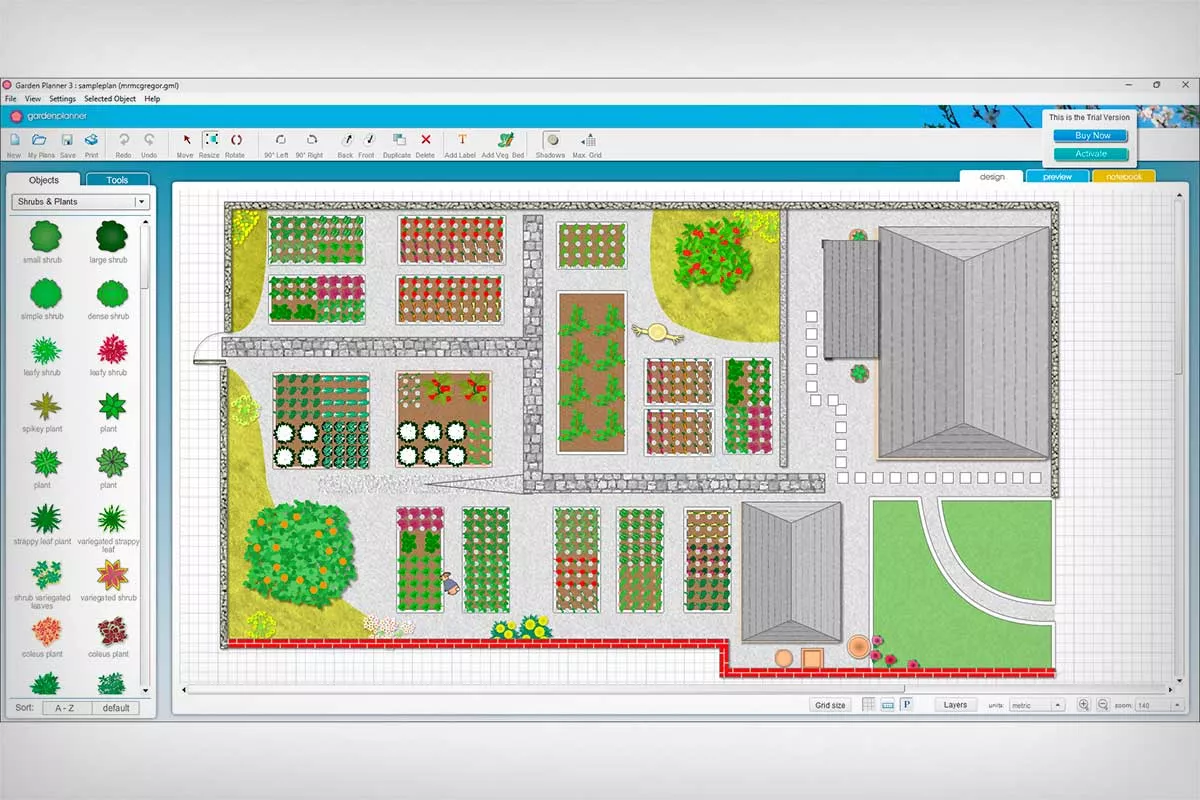
A garden design program that focuses heavily on landscaping. It includes a garden bed generator. You can select crops, adjust the spacing between individual plants, and set the overall dimensions of the structure. Then, all you have to do is place all the bushes on the layout. For each crop, you can specify growing conditions: watering and lighting requirements, pet safety, sowing and flowering periods, soil pH, and other parameters.
myGarden Planner
OS: online
Russian language: No
Price: for free
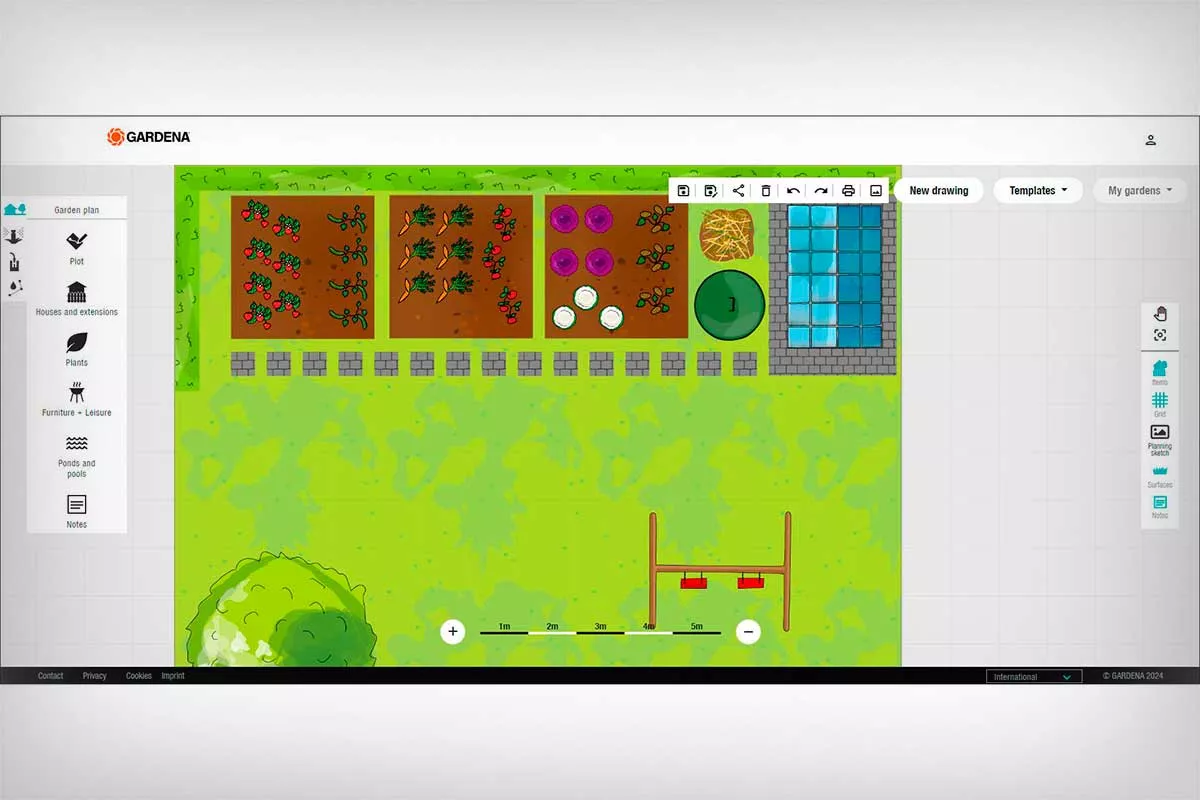
An online service from GARDENA, a major manufacturer of various gardening equipment. The planner is designed for beginners. The design process is as simple as possible. First, you need to specify the dimensions and shape of the garden yard. This can be done manually, using preset templates, or a digital drawing. Next, you need to transfer appropriate symbols onto the plan—for the house, fence, pool, trees, and so on.
Home Design 3D Outdoor & Garden
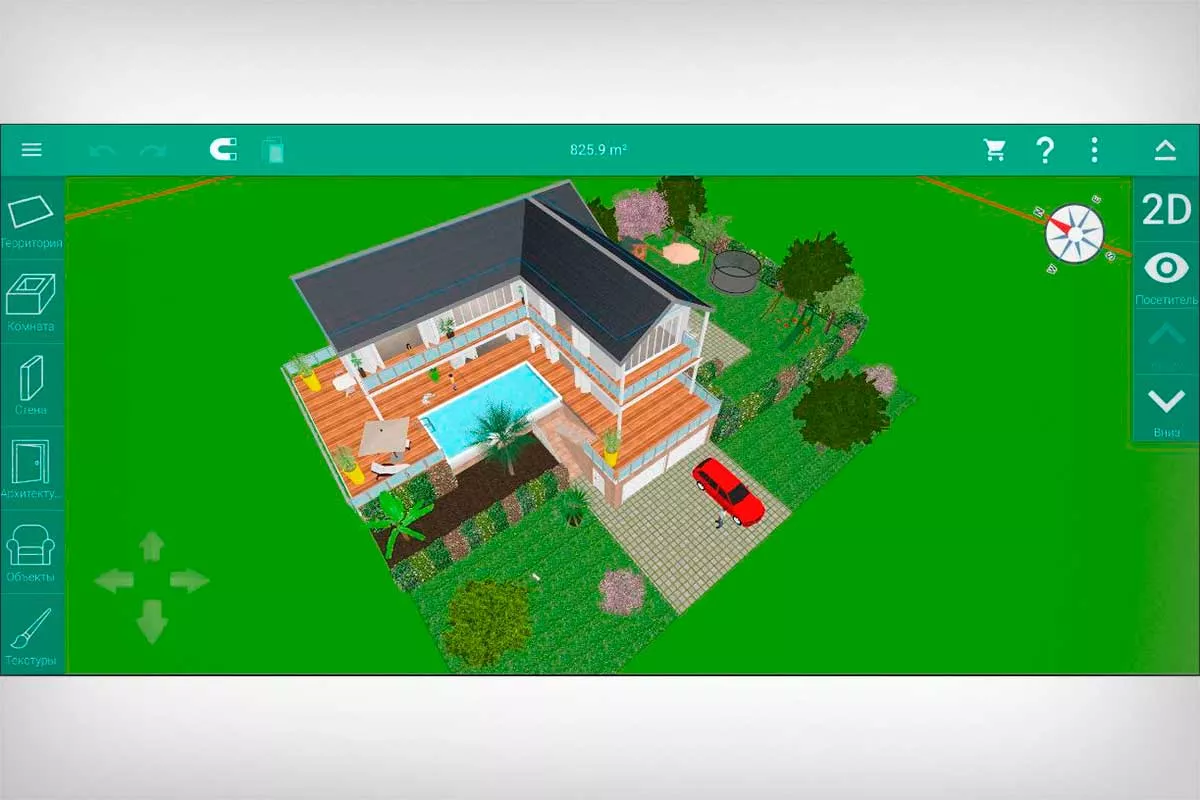
OS: Android, iOS, macOS
Russian language: There is
Price: $5.99
A mobile editor for garden and house planning. It allows you to easily design multi-story buildings, customize their façade, and plan the landscaping of the surrounding area. You can switch between 3D and 2D modes at any time while working.
Punch! Master Landscape Professional
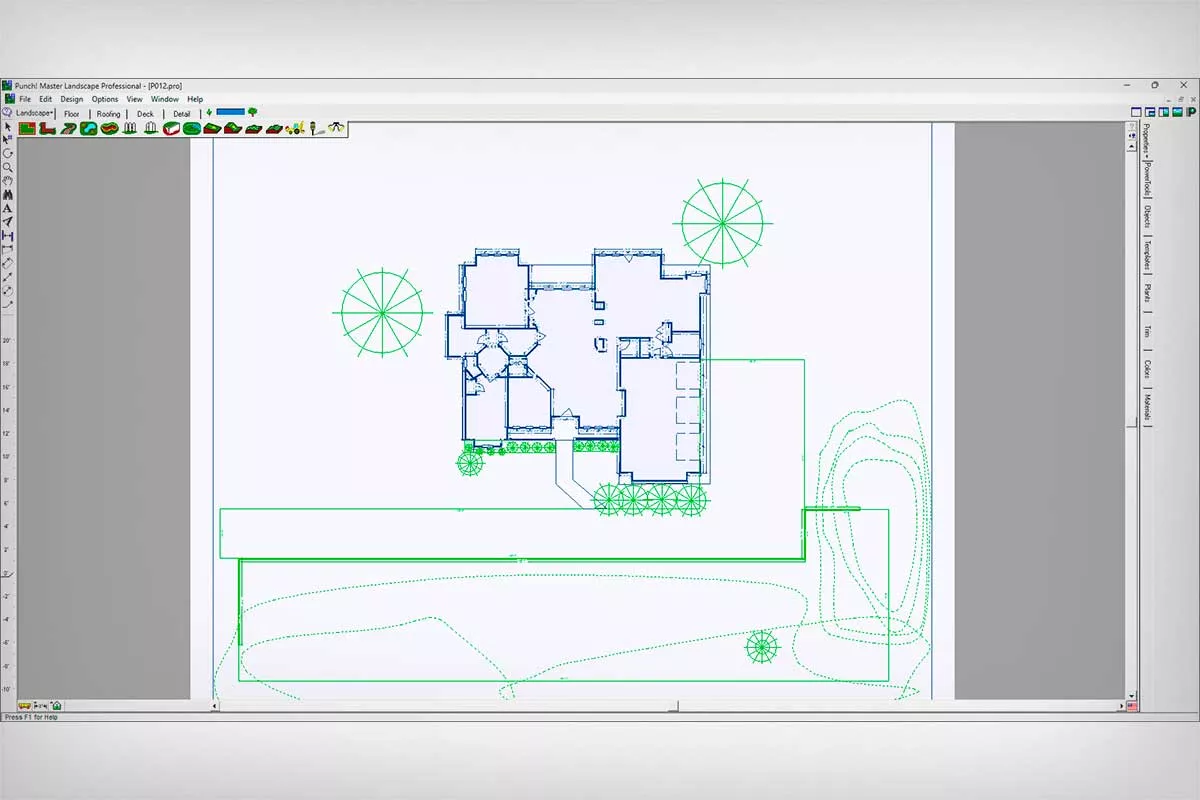
OS: Windows
Russian language: No
Price: $39.95
The app is designed for preparing land and low-rise building projects. It allows you to manually reassign most parameters, such as changing materials and dimensions. You can also create your own designs. The work is performed on a 2D diagram. Visualization is necessary for evaluating the results from different angles.
FloorPlan 3D
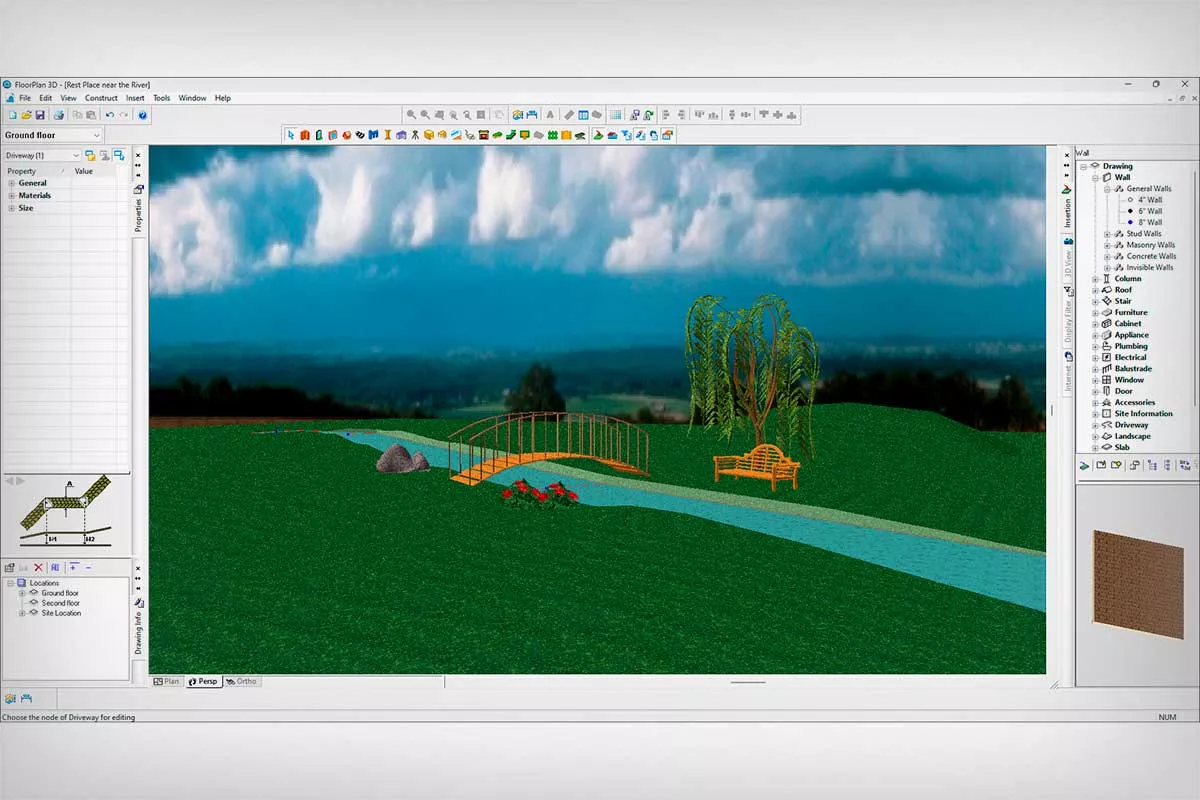
OS: Windows
Russian language: No
Price: $99.99
An editor for planning buildings and territories. Elements are placed manually—by dragging them from a library onto the diagram or procedurally generated. For example, the application can create terraces, stairs, and fences for designated areas with the parameters of the corresponding structures specified by the user.
TurboFloorPlan 3D Home & Landscape Pro
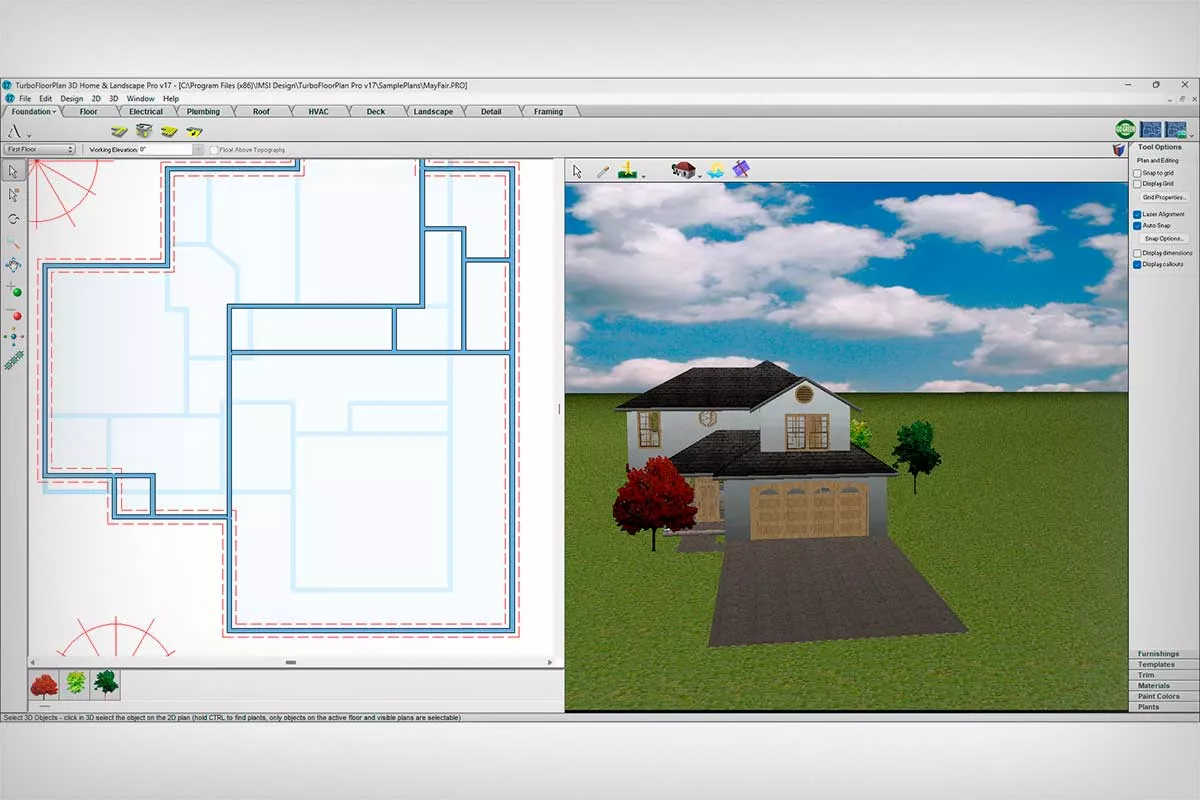
OS: Windows, macOS
Russian language: No
Price: $299.99
A multifunctional planner for designing any low-rise building and landscaping the surrounding area. It features a built-in gallery with materials, trees, and room templates. You can customize the age of plants and sort them by climate zone and category—bulbs, cacti, shrubs, and more.
Online plot planner
OS: online
Russian language: There is
Price: for free
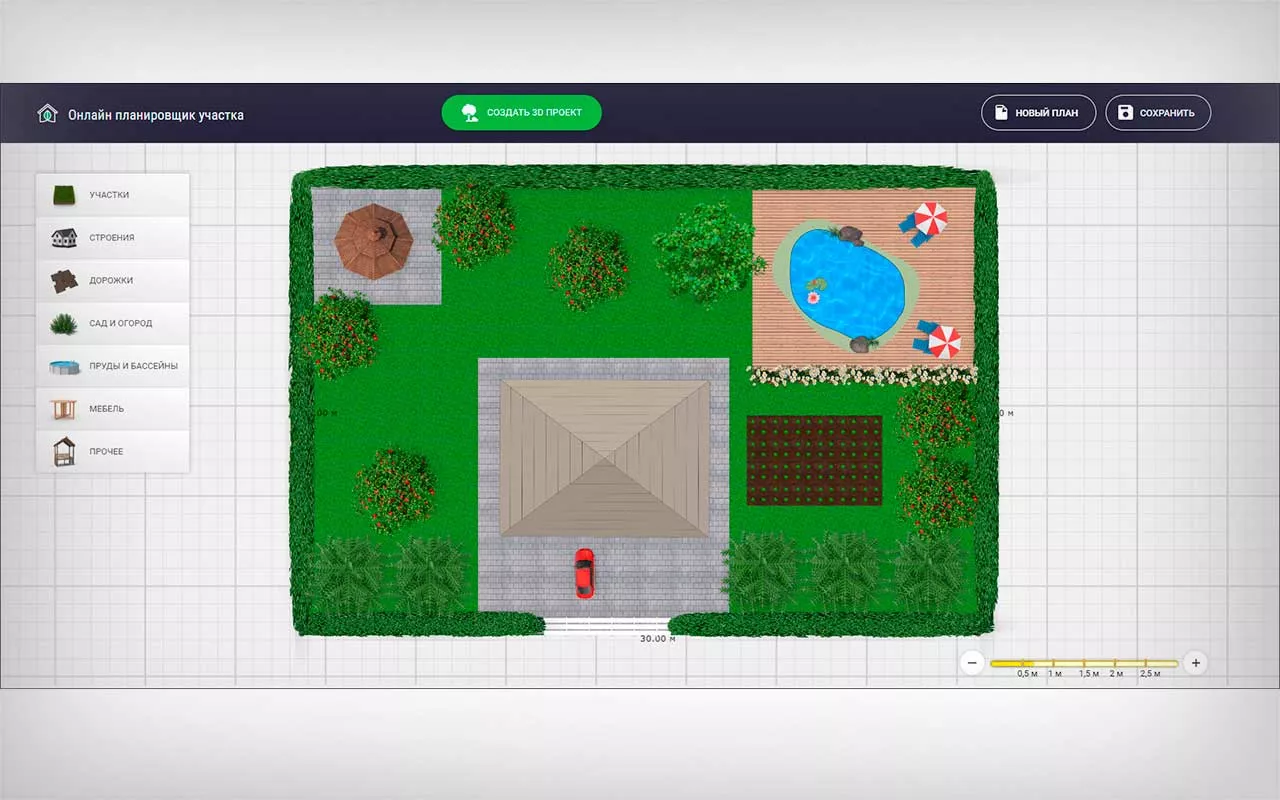
A simple service that will be useful for both beginners and experienced designers. With it, specialists can quickly draw a site plan. The plan can then be processed using specialized software on a computer or used for landscaping. Beginners will have access to a user-friendly tool that doesn't require extensive training.
The service's library includes ready-made symbols for basic objects—houses, gazebos, garden beds, trees, garden furniture, and more. Their sizes can be customized. The resulting symbols are exported as a PNG file.
Planner 5D
OS: Windows, macOS, iOS, Android, online
Russian language: There is
Price: from $4.99 per month
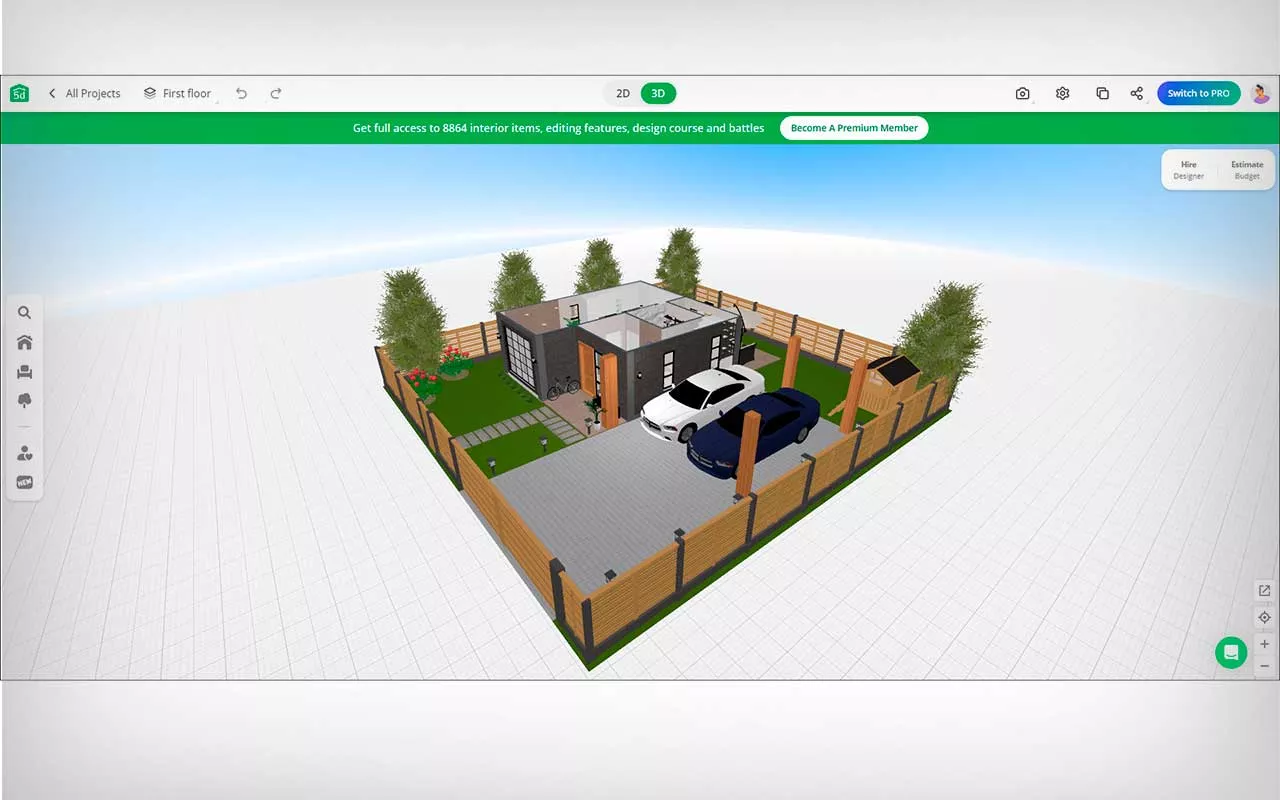
A multi-platform planner. First, the user creates a site, either manually or using a template. Then, they populate it with the desired elements. They can add vegetation, paths, playgrounds, and create buildings. The result is stored on the server or can be exported as a DWG or DXF file.
Which landscape design program should I choose?
We've reviewed popular landscape design programs. Much of the software we reviewed suffers from poor visualization quality and lacks a Russian-language version.
It is free from the listed disadvantages. 3D Landscape DesignThis user-friendly app has an intuitive interface. It allows you to create plots of any shape and size, customize their terrain, and add buildings and greenery.
Planner 5D It can't boast high-quality localization. However, it can be used on smartphones and in a browser.
Realtime Landscaping Architect It can create highly detailed visualizations. The app also includes tools for pool design.